1,400 Scores and Counting: QuickStave's Free Library Is Open
QuickStave now ships with over 1,400 professionally engraved scores you can browse, play back, and learn from — all free, all Creative Commons, all rendered in the browser.
When I launched QuickStave a few weeks ago, you could create scores and import MusicXML files. But the app opened to an empty screen. If you didn’t already have a score to work on, there was nothing to explore.
That felt wrong. A notation editor should be full of music.
The library
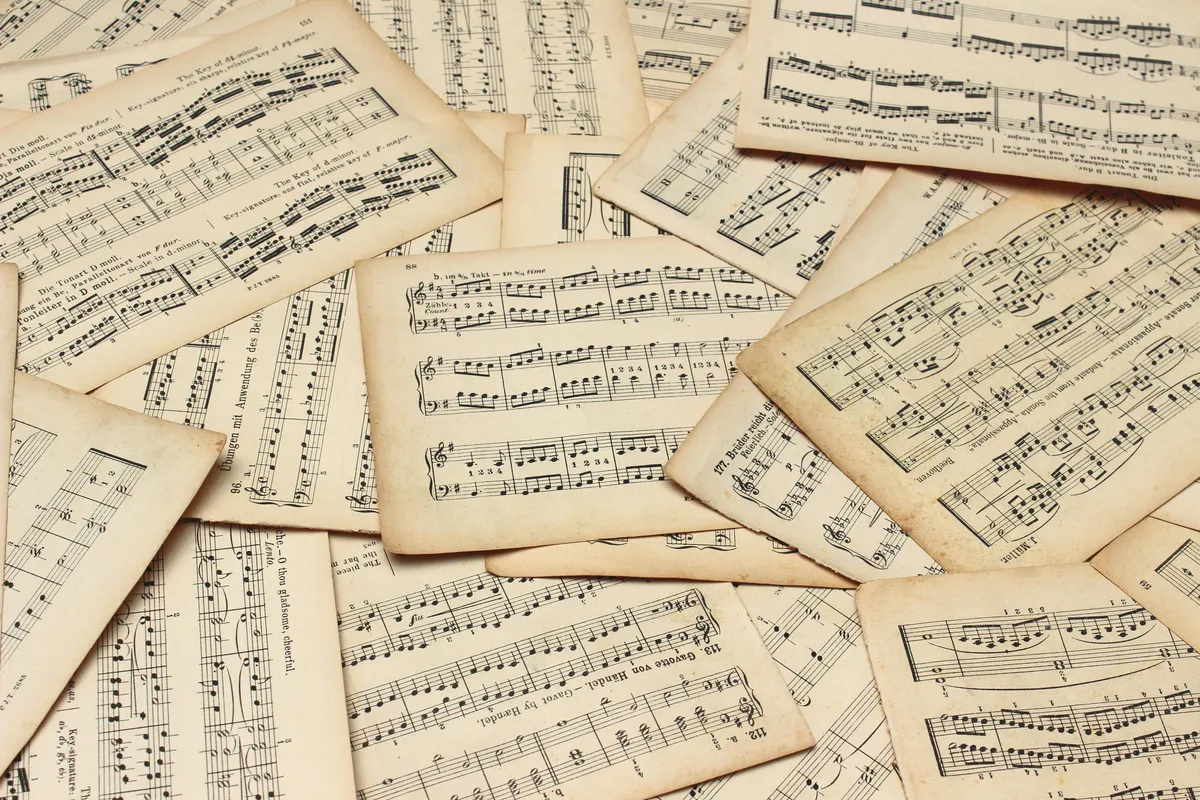
QuickStave now has a built-in library of over 1,400 scores — browsable, searchable, and playable directly in the editor. Every score is free to view and play back. No account required.
You can find it at quickstave.app/explore, or tap Explore from the home screen.
Where the scores come from
The entire library is sourced from the OpenScore project — a community effort to make public-domain music freely available as high-quality digital scores. Every file is licensed under Creative Commons Zero (CC0), which means they’re genuinely free: no attribution required, no restrictions, no catch.
The bulk of the collection comes from the OpenScore Lieder Corpus — over 1,400 art songs for voice and piano, spanning two centuries of Western classical music. You’ll find Schubert, Schumann, Brahms, Wolf, Fauré, Debussy, and dozens more. It’s one of the richest open datasets of its kind.
What you can do with it
Every score in the library is a real QuickStave score. That means you can:
- Play it back — hear the music with a single tap
- Follow along — the playback cursor tracks the current beat
- Transpose it — shift the whole score to a different key with one click, right from the score page
- Print it — export a publication-quality PDF, ready for the music stand
- Clone it — make your own copy and edit it however you like
- Study the notation — zoom in, scroll through, see how the engraving handles complex passages
- Search by composer, title, or tag — find what you’re looking for quickly
The transpose-and-print workflow is the one I’m most excited about. Found a song in the library that’s too high for your singer? Open it, tap Transpose, shift it down a tone, and print — all without leaving the score page. Done in seconds, no cloning or account required.
The library is also indexed in our sitemap, so scores are discoverable via search engines. If someone searches for “Schubert Erlkönig sheet music,” we want them to find a beautifully rendered, instantly playable score — not a PDF behind a paywall.
How it works under the hood
Each score was imported from the OpenScore corpus using QuickStave’s MusicXML importer. The process is fully automated: a seed script reads every .mxl file in the corpus, runs it through the importer, compresses the resulting score data, and uploads it via the API. Metadata — composer, title, era, tags — is extracted from the file path and MusicXML headers.
The scores are stored as gzip-compressed blobs in Cloudflare R2, with metadata in Postgres. When you open a score, the client fetches and decompresses it, then the layout engine renders it in real time. There’s no pre-rendered image — it’s live notation, same as any score you’d create yourself.
What’s next
The current library is heavily weighted toward German Romantic Lieder. That’s a great start, but it’s not the whole picture. We’re planning to expand with:
- String quartets — the OpenScore String Quartets corpus is next in line
- More eras — Baroque, Classical, and 20th-century works
- More genres — orchestral excerpts, choral works, solo instrumental music
If you’re involved with the OpenScore project or know of other CC0 music corpora, get in touch. The more music we can make freely available, the better.
A note on quality
Every score in the library is rendered by the same engine that powers the editor. That means professional-quality engraving — Bravura noteheads, properly spaced beams, correct stem directions, collision-free dynamics and articulations. These aren’t rough imports; they’re publication-quality scores.
If you spot an issue with any score in the library, let us know. The import pipeline handles the vast majority of MusicXML features correctly, but edge cases exist and we fix them as they’re reported.
Try it
Head to quickstave.app/explore and start browsing. Pick a Schubert song. Hit play. See what 1,400 free scores look like when they’re rendered properly in the browser.
— John Quick