Copying, cutting, and nudging a selection
Standard clipboard shortcuts work on the current selection; nudge moves it earlier or later in time by a duration step you choose, with no change to pitch.
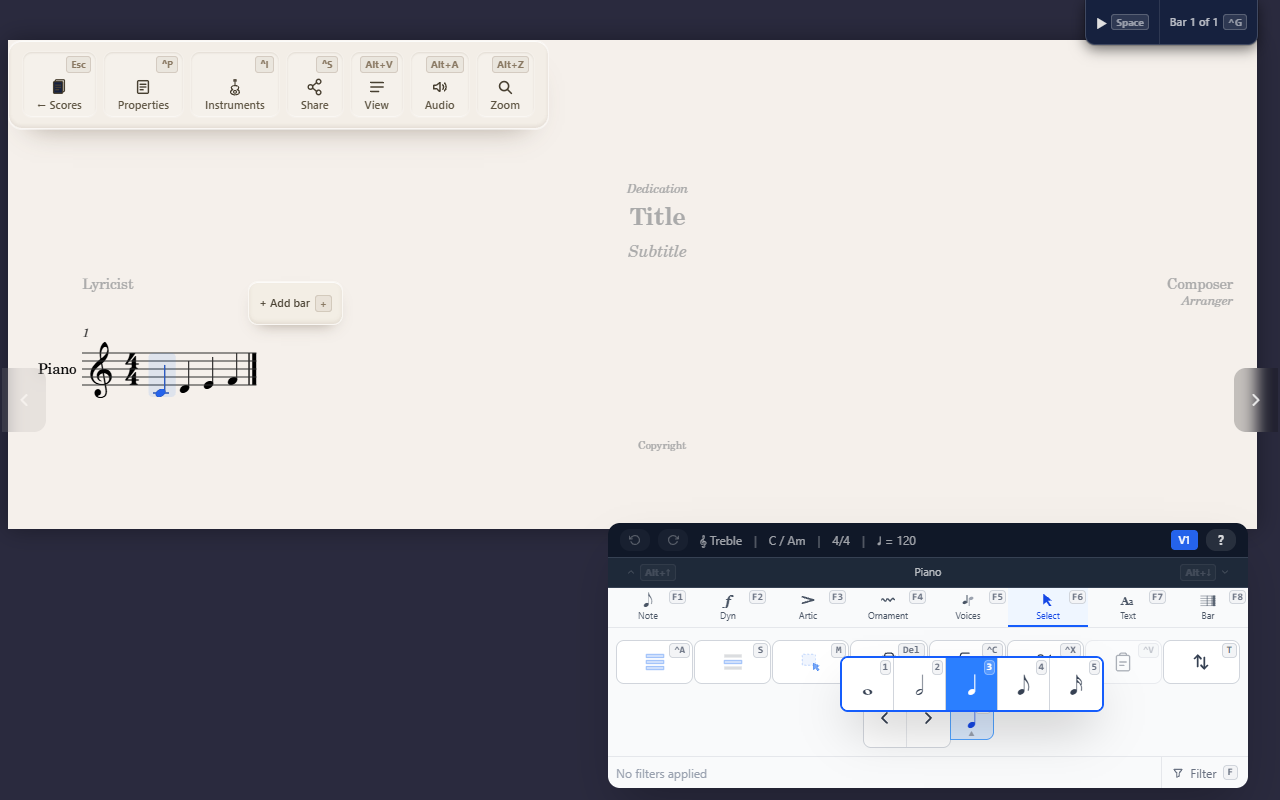
Ctrl+C/Ctrl+X/Ctrl+V copy, cut, and paste the current selection (or
the event at the cursor, if nothing’s selected); Delete removes it. All
four respect an active filter (see Narrowing what a selection affects)
when a real range is selected.
Nudging
Nudge moves the selected events earlier or later in time by a fixed
duration step — it’s a rhythmic shift, not a transpose, so pitch never
changes. F6 N opens a picker of duration glyphs (whole note down to
16th) to set the step size, then Alt+← / Alt+→ applies it in that
direction. The space the events vacate is filled with a rest, whatever
they land on is overwritten, and every affected measure reflows to keep
the notation clean.
Tips
- Set the nudge step once and it sticks — repeated
Alt+←/Alt+→presses keep using it until you change it. - Reach for Transposing a selection instead if you want to change pitch rather than timing.
- A paste that would start partway through a tuplet (on a triplet’s second note, say) does nothing.