Adding and removing measures
"+" adds a measure after the current one; F8 I inserts before it instead; Ctrl+Delete deletes the current measure or selection.
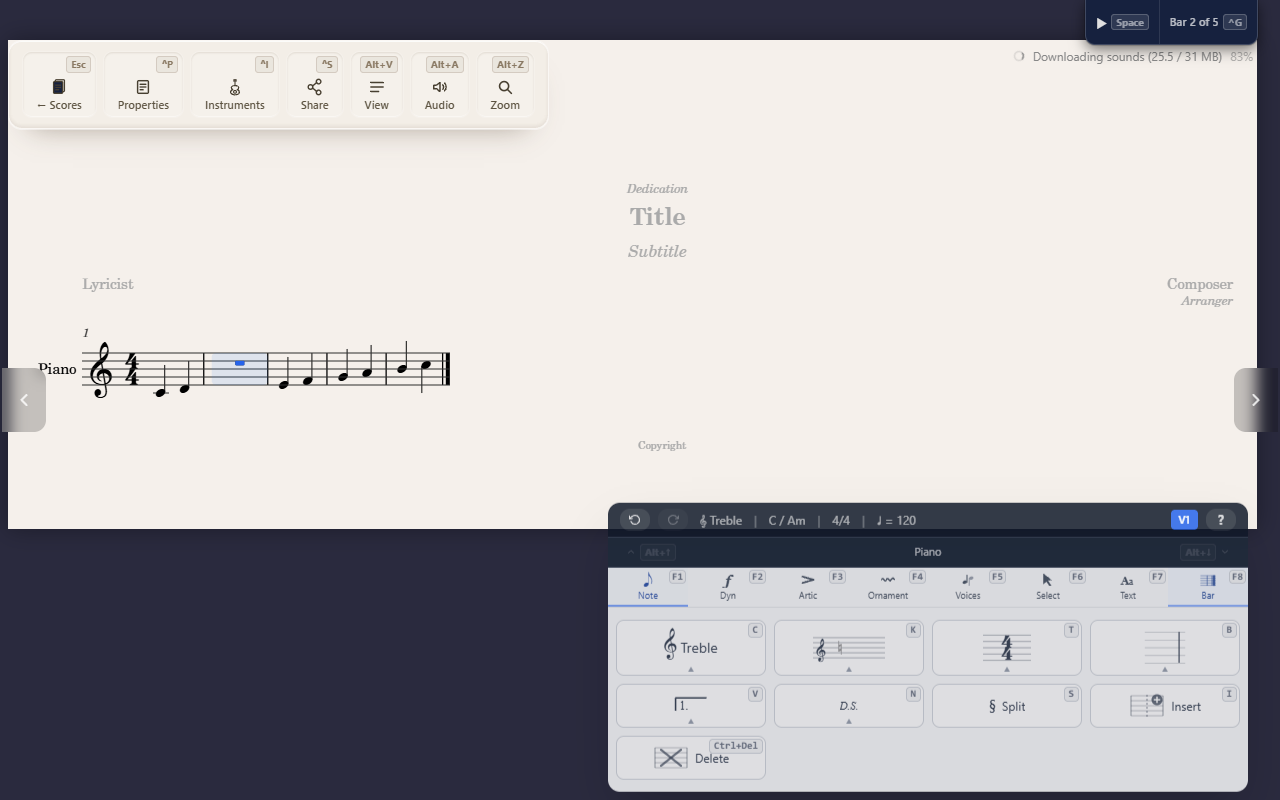
Small commands, but fundamental enough that they’re worth knowing before almost anything else on the Bar tab.
Adding a measure after the current one
+ adds a new, empty measure immediately after the current one and moves
the cursor onto it — a second + keeps adding bars. This is a global
shortcut, works from any tab, and works on any bar, not just the last one.
Inserting a measure before the current one
F8 I inserts a new, empty measure immediately before the current one —
or before the selection, if you have a range selected. Use this instead
of + when you need the new bar before, not after, your cursor.
Deleting a measure
Ctrl+Delete deletes the current measure, or every measure in the current
selection. This is a global shortcut, not scoped to the Bar tab, so it
works regardless of which palette is open.
Tips
- See Entering notes for filling a newly inserted measure with notes.