Glissando and tremolo
Both are set directly on a note, with no end point to pick — despite looking spanner-adjacent, neither glissando nor tremolo uses the select-start-then-navigate-to-end mechanic.
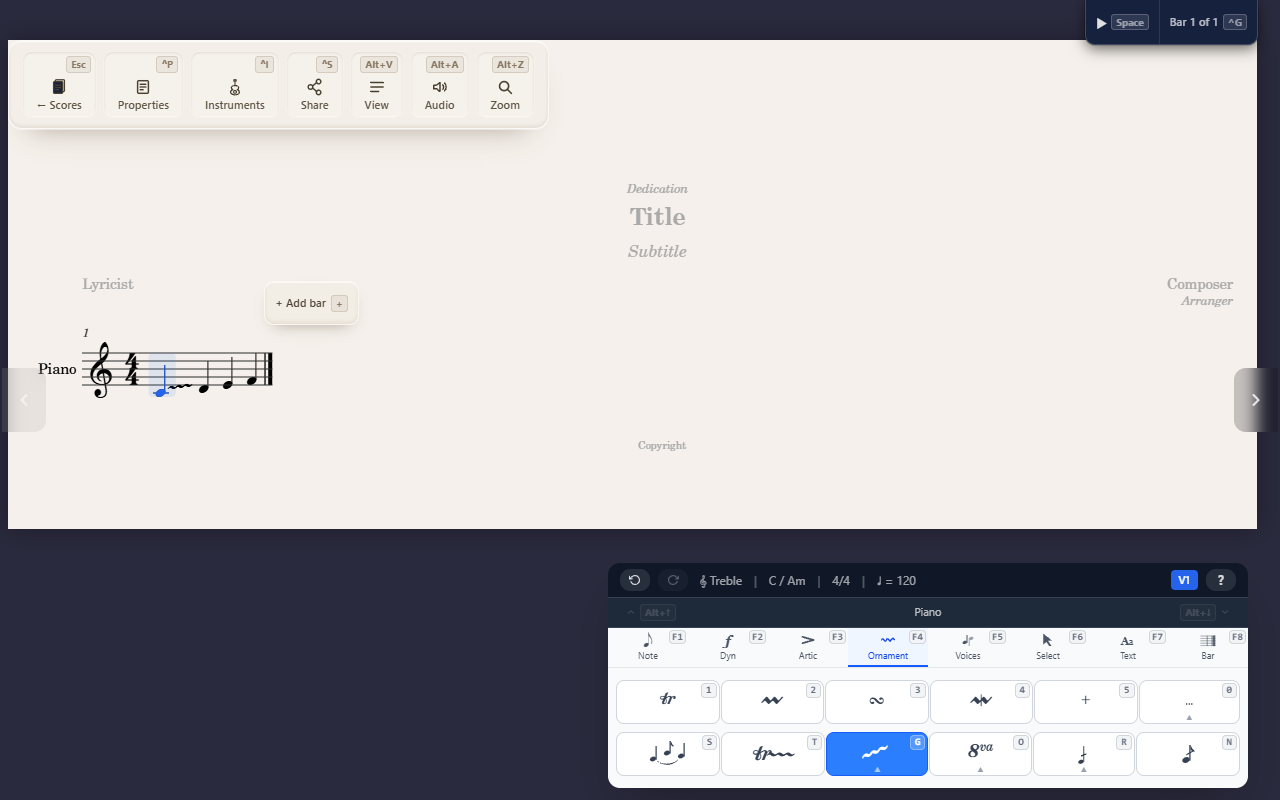
Both of these draw a mark stretching across notes, which makes them look like spanners — but neither one is. There’s no start-then-navigate-to-end step; each is set directly on a note.
Glissando
Select one note and press F4 G then 1, 2, or 3 for a straight
line, a straight line labelled “gliss.”, or a wavy line. QuickStave
automatically finds the next pitched note (skipping rests, even across
a barline) and draws the glissando to it — you never select two notes
for this, only the starting one. Applying the same style again removes
it; picking a different style just redraws it.
Tremolo
Two different scopes, both on the Ornaments tab:
- Single-note tremolo (
F4 R 1–3, plusZfor a buzz roll) marks slashes across one note’s stem — it only needs that one note selected, and works across a whole selection at once if you have one. - Multi-note tremolo (
F4 R 4–6) draws beams between a note and the one right after it, so it needs the cursor sitting on a single note with a same-duration note immediately following in the same measure and voice — it doesn’t work on a batch selection.
F4 R Delete clears whichever kind is present.
Tips
- If you’re looking for the mechanic where you pick a start note and navigate to an end point, that’s Creating spanners — hairpins, slurs, and lines all work that way, but glissando and tremolo don’t.