Adding rehearsal marks
F7 R stamps a boxed or circled letter/number at a measure, auto-suggesting the next one in sequence, for verbal navigation during rehearsal.
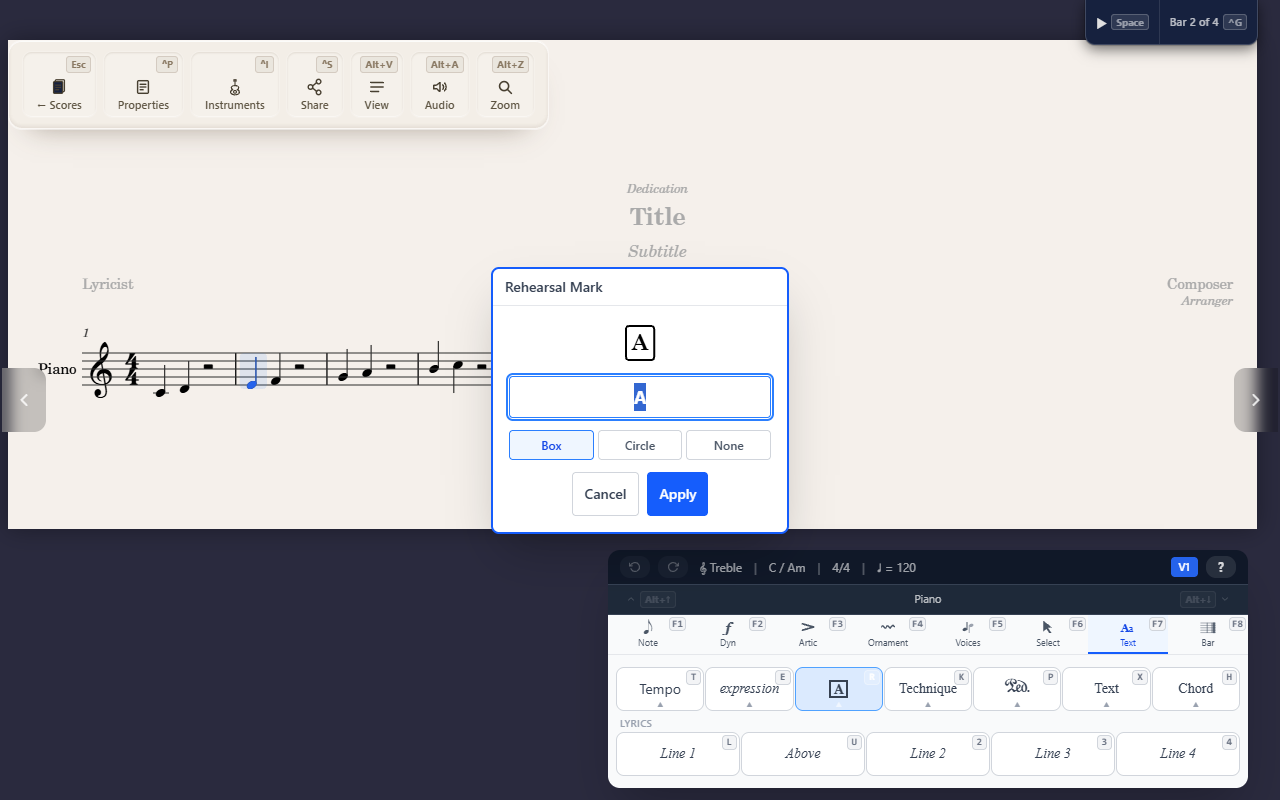
F7 R (Text tab) stamps a large boxed or circled letter or number at the
selected measure — purely for verbal navigation during rehearsal (“let’s
take it from B”), with no effect on playback.
Placement and auto-suggestion
A rehearsal mark is anchored to a measure, not a specific note or beat — select any note in the target measure and the mark lands on that measure as a whole. The editor suggests the next letter or number in sequence automatically (A, B, C… or 1, 2, 3…, matching whatever scheme the score already uses), so you don’t have to track which letter comes next yourself. You can also choose Box, Circle, or no enclosure.
Tips
- Rehearsal marks and the
Ctrl+GGoto dialog work together — Goto’s jump list includes every rehearsal mark by name, so once you’ve placed one, jumping straight to it is one keystroke away (see Jumping to a measure).