Adding and managing instruments
Ctrl+I opens the Instruments panel to add instruments by name or from a ready-made ensemble preset, remove them, and drag to reorder how parts stack.
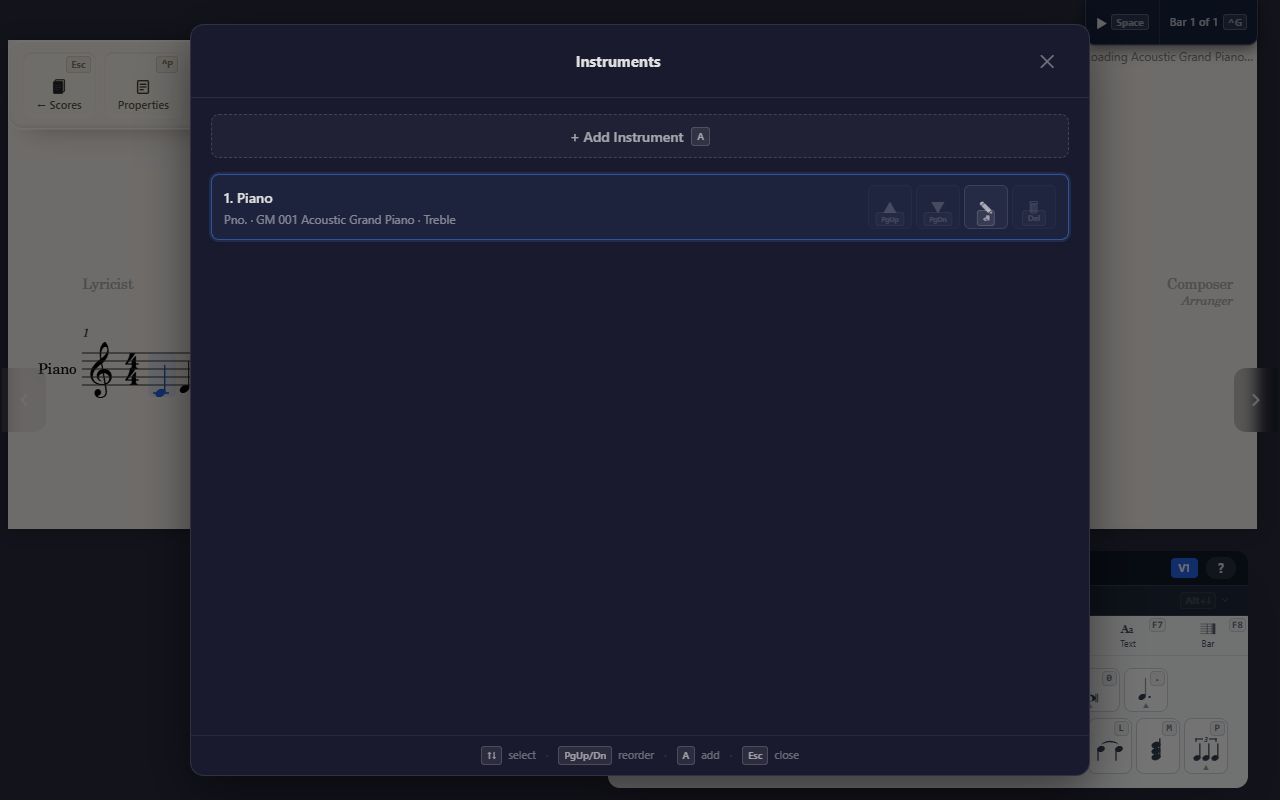
Before entering a single note, most scores start the same way: pick which instruments are in it.
Opening the panel
Ctrl+I opens the Instruments panel from anywhere in the editor. Add an
instrument by name or by browsing presets and ready-made ensembles,
remove one, or drag to reorder how parts stack in the score.
Clicking an instrument’s name in the score — or the abbreviation that stands in for it on later systems — opens the panel on that instrument’s own settings.
Tips
- A brand-new score already prompts you to add an instrument automatically
—
Ctrl+Iis for coming back to that decision later, adding a second part, or reordering what’s already there. - Once an instrument is in the score, see Entering notes to start writing into it.