Jumping to a measure or rehearsal mark
Ctrl+G opens Goto — type a bar number, or pick from a merged list of named sections and rehearsal marks, to move your cursor there instantly.
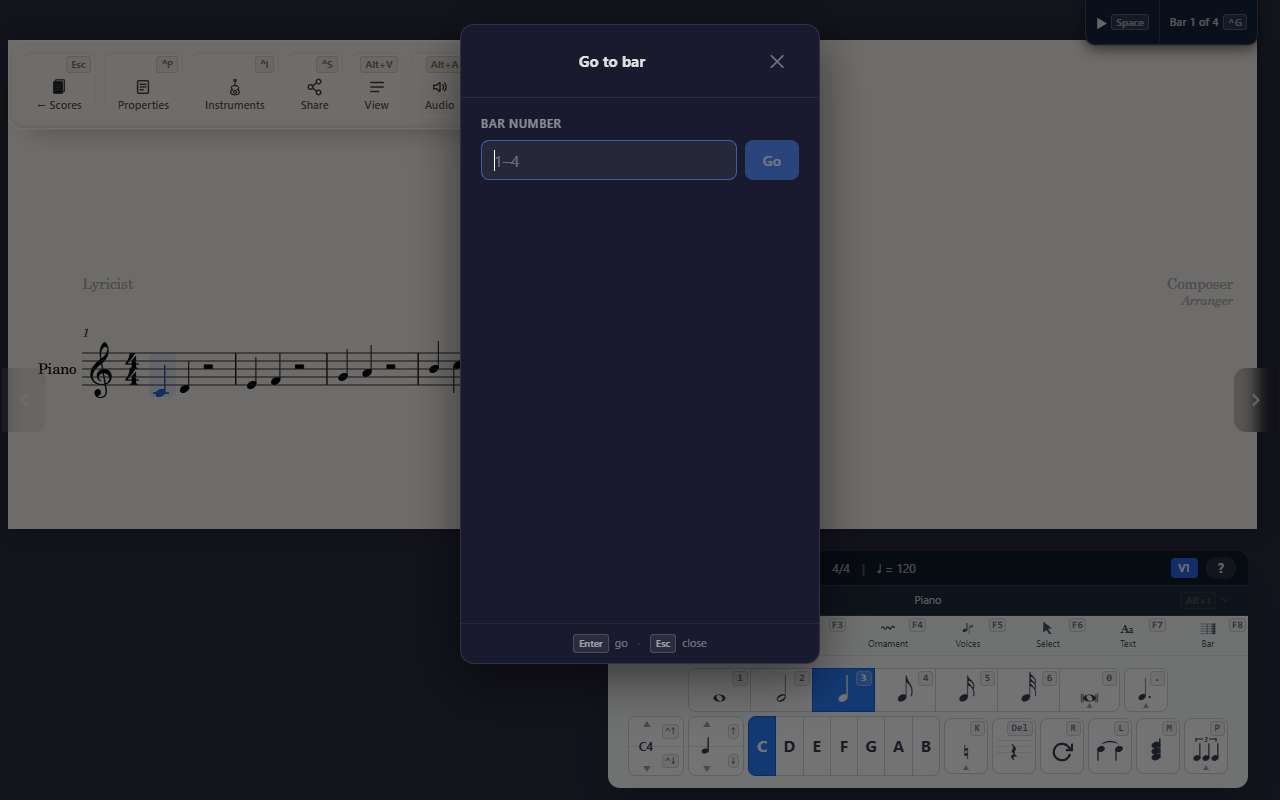
Ctrl+G opens Goto from anywhere in the editor — a global shortcut,
not tied to any particular tab — to move your cursor straight to a
measure without scrolling or clicking through the score.
Bar number, or pick from the list
Type a bar number directly, or pick from a list merging every named section break and rehearsal mark in the score, sorted in score order. Bar numbers are the ones printed on the score: a pickup (anacrusis) is bar 0, and a bar the score leaves out of the count has no number of its own. Where the numbering starts again, as in each movement of a multi-movement score, choose the movement beside the number.
Not the same as a navigation mark
Goto is about your editing cursor — it has nothing to do with Segno/Coda/D.S./D.C. markers (see Segno, Coda, and D.S./D.C. markers), which are playback-routing marks a performer reads. Both happen to use the word “navigation”; they don’t interact with each other.
Tips
- Name a section (
F8 S) or drop a rehearsal mark (F7 R) ahead of time to give Goto more to jump to than bare bar numbers.